

The Custom Code node in Refold enables users to execute custom functions within workflows. Users can leverage their preferred programming language to create custom logic and functionality.Documentation Index
Fetch the complete documentation index at: https://docs.refold.ai/llms.txt
Use this file to discover all available pages before exploring further.
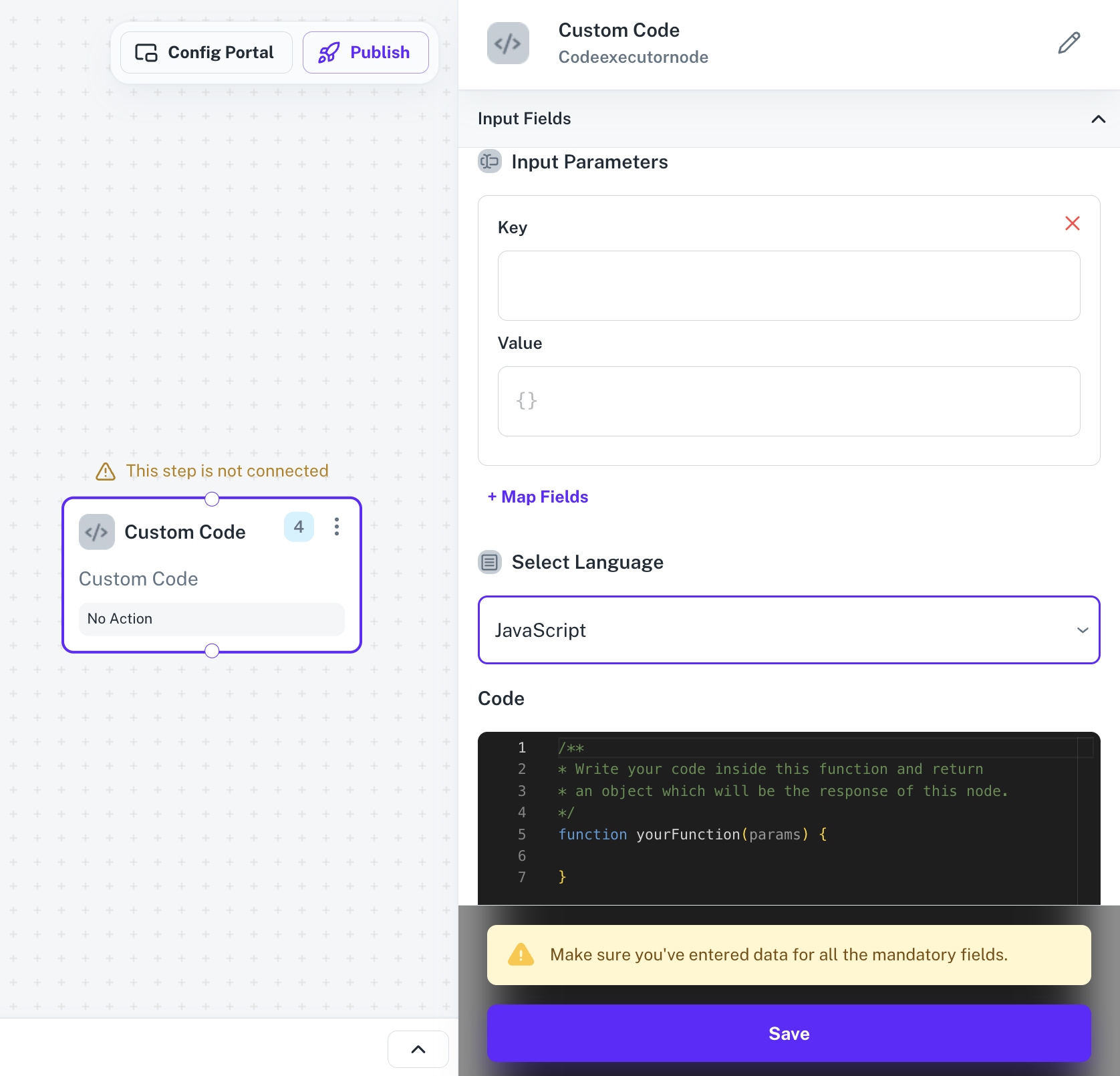
Custom Code Input Fields
To get started with Custom Code, first provide theInput Parameters as a key-value pair that you want to use in code and then select your preferred language.
In the Code section, the user can write their own custom code which they want to get executed within the yourFunction.
Match Any Conditions or Match All Conditions, depending on the workflow requirements.