

- API Key
Pre-requisites
- Canny account with admin access.
If you don’t have admin access to your Canny account, you’ll need to request it from your account administrator to access the API key.
Getting your API Key from Canny
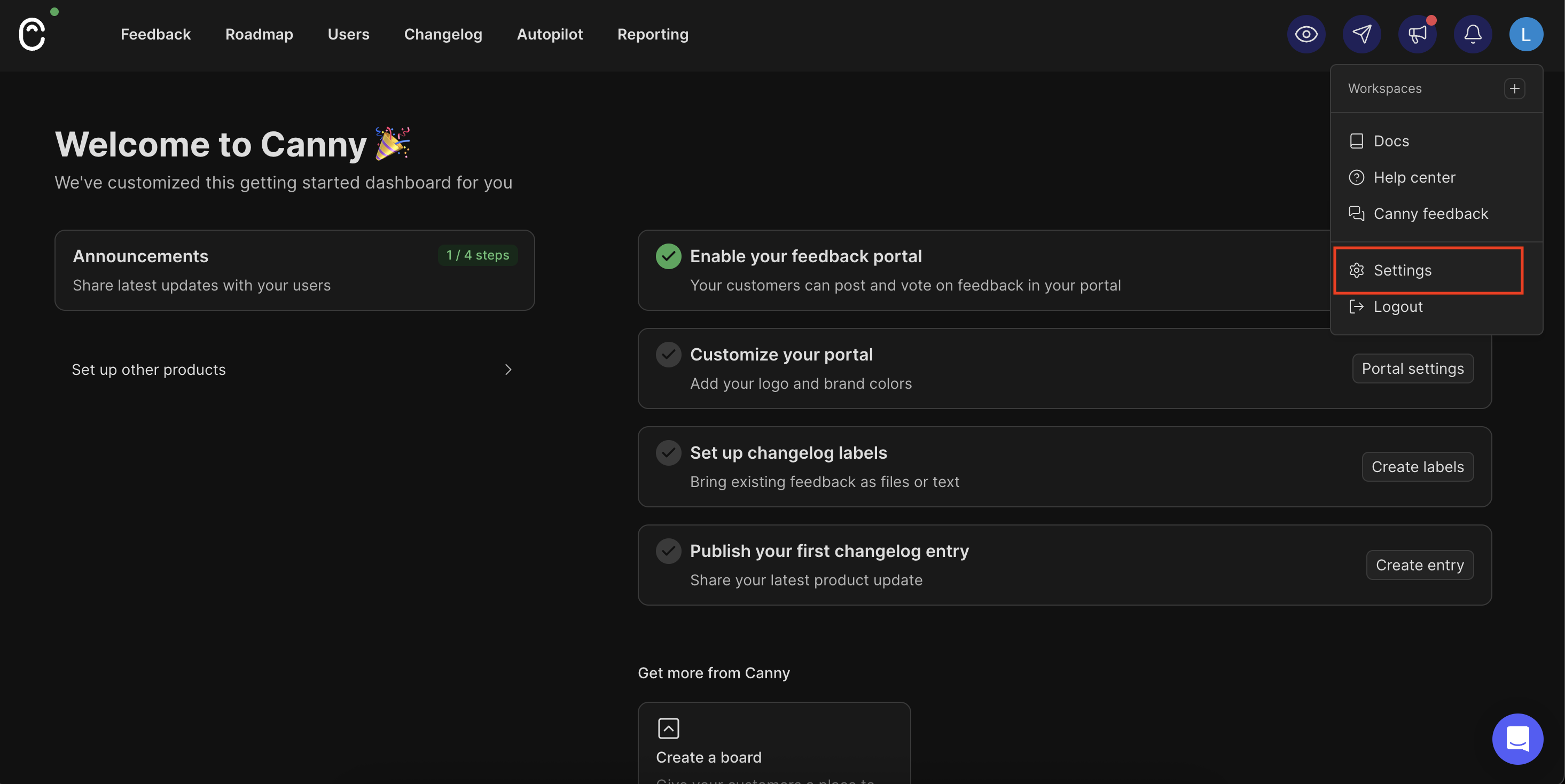
To retrieve your Canny API Key and configure it in Refold, please follow the steps mentioned below:- Log in to your Canny account at https://canny.io/login.
- Navigate to
Settingsin the sidebar, then click onAPIunder the organisation section.
- In the API settings page, you will find your Secret API Key.
Copythe API key into your clipboard.- Store this API Key securely - it provides full access to your Canny data.

Configuring credentials in Refold
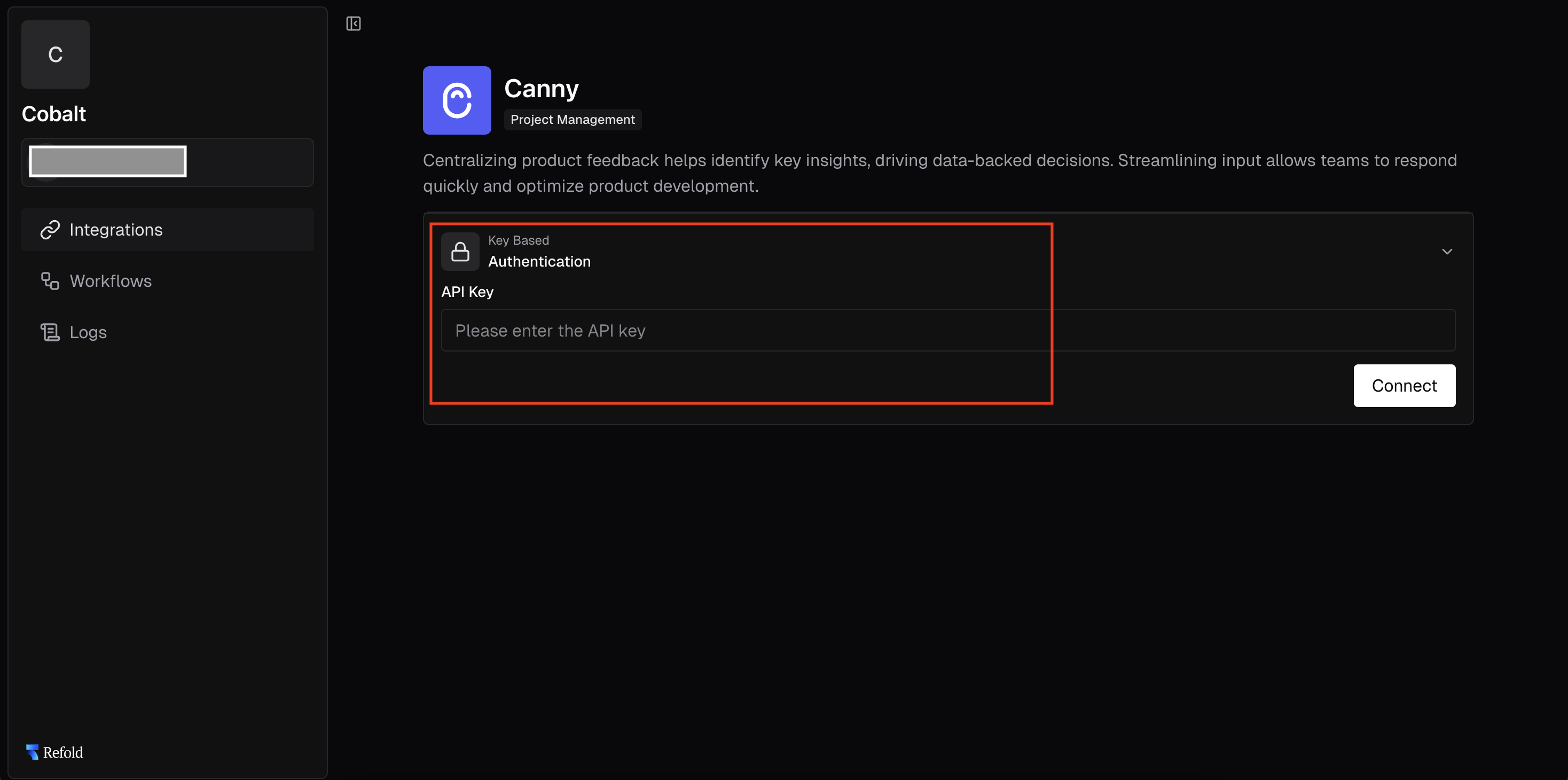
App settings page lets you configure the authentication settings for anAPI Key based application. For your customers to provide you authorization to access their data, they would need to provide their API Key. This page lets you set up your application credentials.
Actions and triggers
Once the above setup is completed, you can create orchestrations of your use-cases using Canny actions and triggers. Following are the set of Canny actions and triggers supported by Refold.- Actions
- Triggers
Company
Company
- Update Company - Update an existing company’s details in Canny.
- Delete Company - Delete an existing company in Canny.
Post
Post
- Create Post - Create a new post on a board in Canny.
- Update Post - Update an existing post’s details in Canny.
- List Posts - Get a list of posts with filtering and sorting options in Canny.
- Delete Post - Delete an existing post in Canny.
Tag
Tag
- Create Tag - Create a new tag for a board in Canny.
- List Tags - Get a list of tags for a board in Canny.
User
User
- Create User - Create a new user in Canny.
- Retrieve User - Retrieve the details of an existing user by their ID in Canny.
- List Users - Get a list of users in Canny.
- Delete User - Delete an existing user in Canny.
Others
Others
- HTTP Request - Make HTTP API calls to any Canny documented REST APIs.
- Incremental Sync - Sync data incrementally from Canny.