

- Password
Pre-requisites
- Breezy HR account with API access.
Refold uses your Breezy HR account credentials to securely authenticate and connect to the Breezy HR API on your behalf.
Connecting Breezy HR in Refold
To connect your Breezy HR account, please follow the steps mentioned below:- Log in to your Breezy HR account at https://app.breezy.hr and note your account email and password.
- Navigate to the Refold hosted portal and select Breezy HR from the available integrations.
- Enter your Breezy HR Email and Password in the connection form.
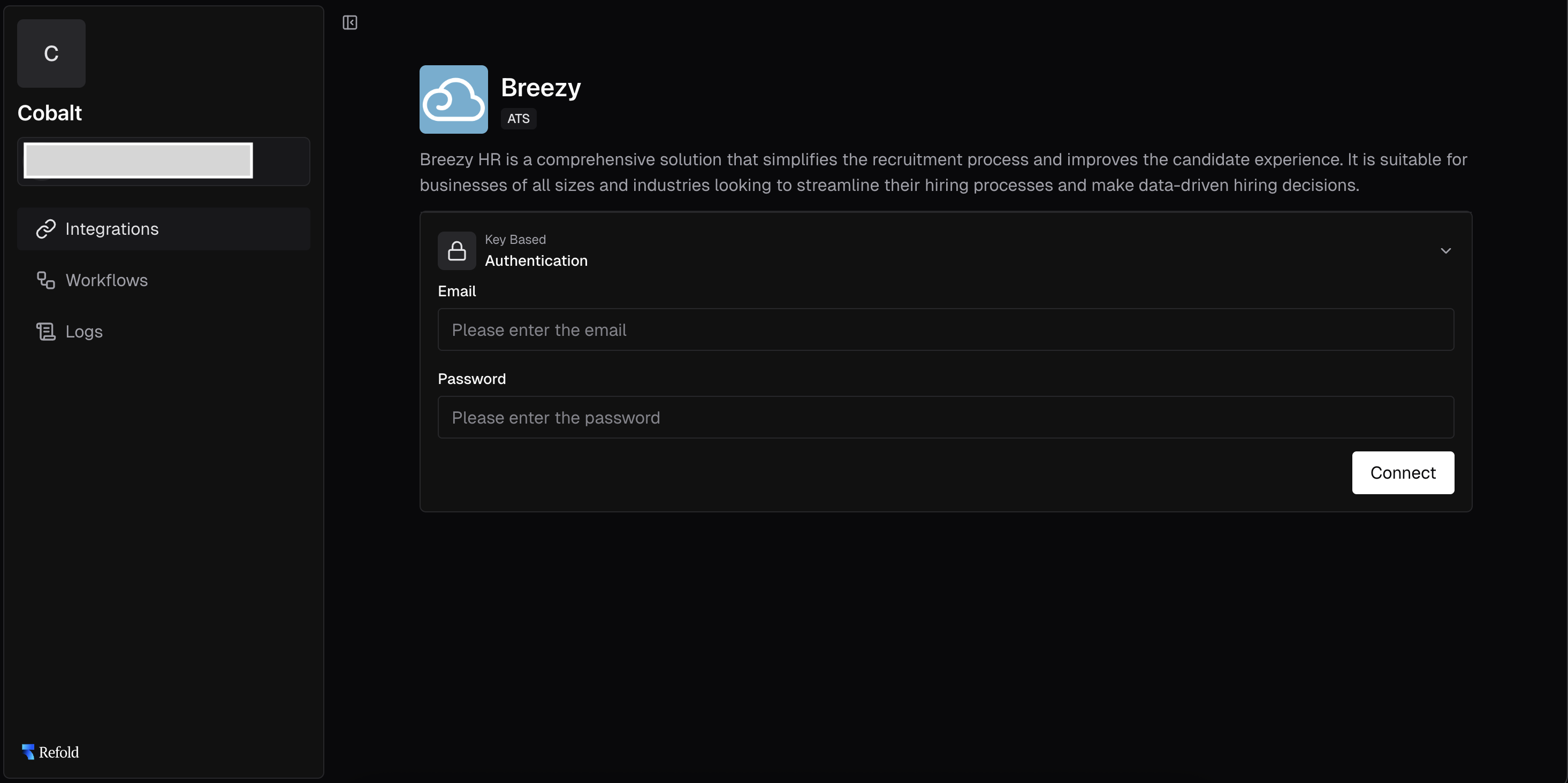
- Click Connect to complete the setup.
Actions and triggers
Once the above setup is completed, you can create orchestrations of your use-cases using Breezy HR actions and triggers. Following are the set of Breezy HR actions and triggers supported by Refold.- Actions
- Triggers
Candidate
Candidate
- Get Candidates For Position - Retrieve candidates for a given position in Breezy HR.
- Add Candidate - Add a new candidate to a position in Breezy HR.
- Update Candidate - Update an existing candidate in Breezy HR.
- Get Candidate By ID - Get a specific candidate by ID in Breezy HR.
Position
Position
- Get All Positions - Get all positions in Breezy HR.
- Get Position By ID - Get a specific position by ID in Breezy HR.
- Update Position - Update details for a given position in Breezy HR.
Company
Company
- Get Companies - Get a list of companies in Breezy HR.
User
User
- Get User By ID - Get a specific user by ID in Breezy HR.
Others
Others
- HTTP Request - Make HTTP API calls to any Breezy HR documented REST APIs.
- Incremental Sync - Check for new data in the endpoint.