Documentation Index
Fetch the complete documentation index at: https://docs.refold.ai/llms.txt
Use this file to discover all available pages before exploring further.
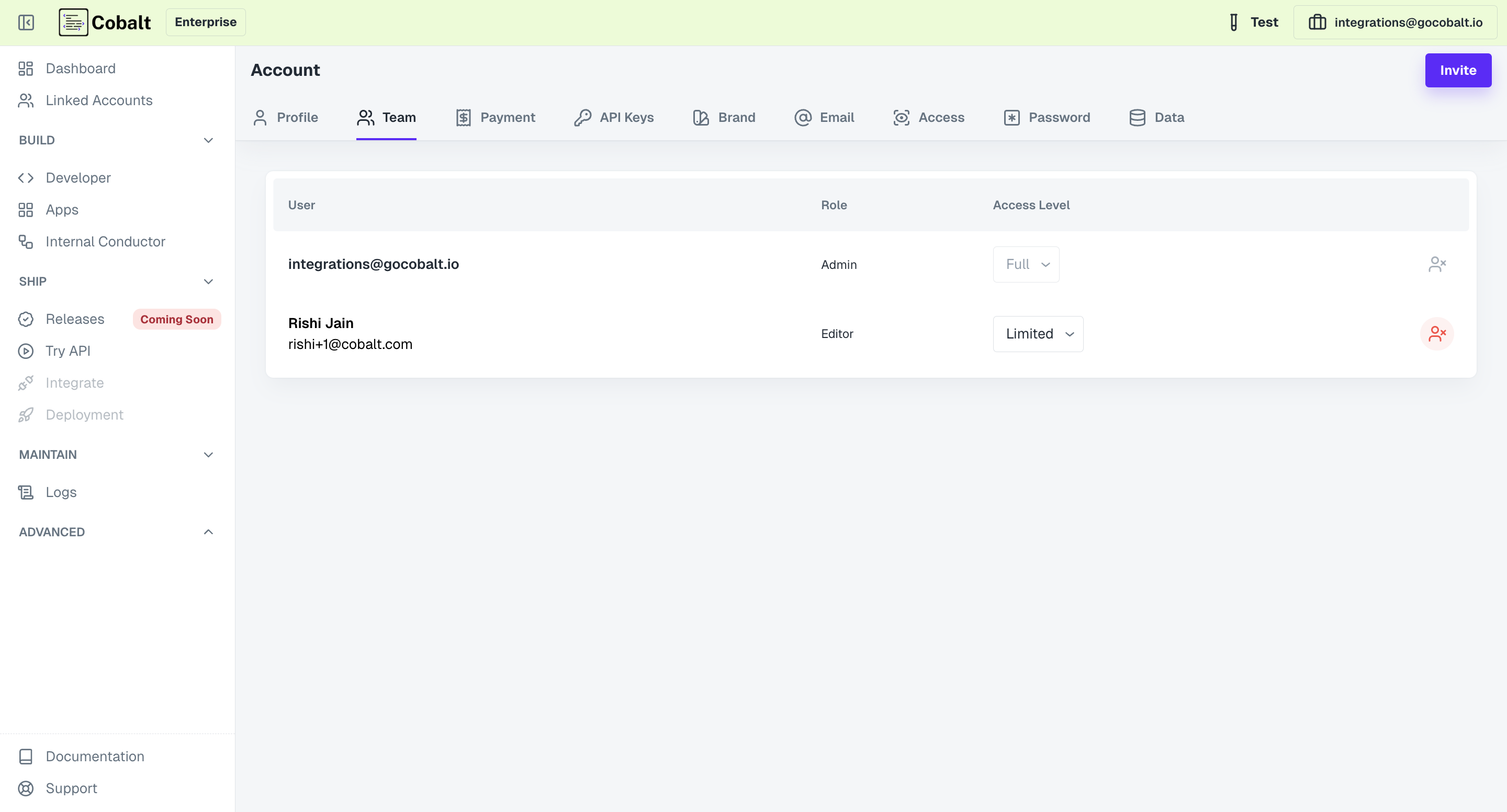
Exploring Team Members
Upon accessing the Team section, user will be presented with a detailed list of team members, along with their respective roles within the Refold ecosystem. This overview offers insights into the composition of your account’s team, enabling users to identify key stakeholders and collaborators efficiently.Role Assignment
Roles play a pivotal role in defining the scope of each team member’s responsibilities and permissions within the Refold platform. Users can have one of two roles: Admin or Editor. There can only be one Admin per account, with all other invited users being assigned the Editor role. The Admin has full control over account settings and team management, while Editors have limited access and permissions.Inviting New Members
Adding new members to your Refold account is a seamless process facilitated by the Team section. Admins can invite new members by following these steps:- Click on the
Invitebutton located in the top-right corner. - Provide an
Emailof the new user (mandatory field) and the name (optional field) and click onInvite.
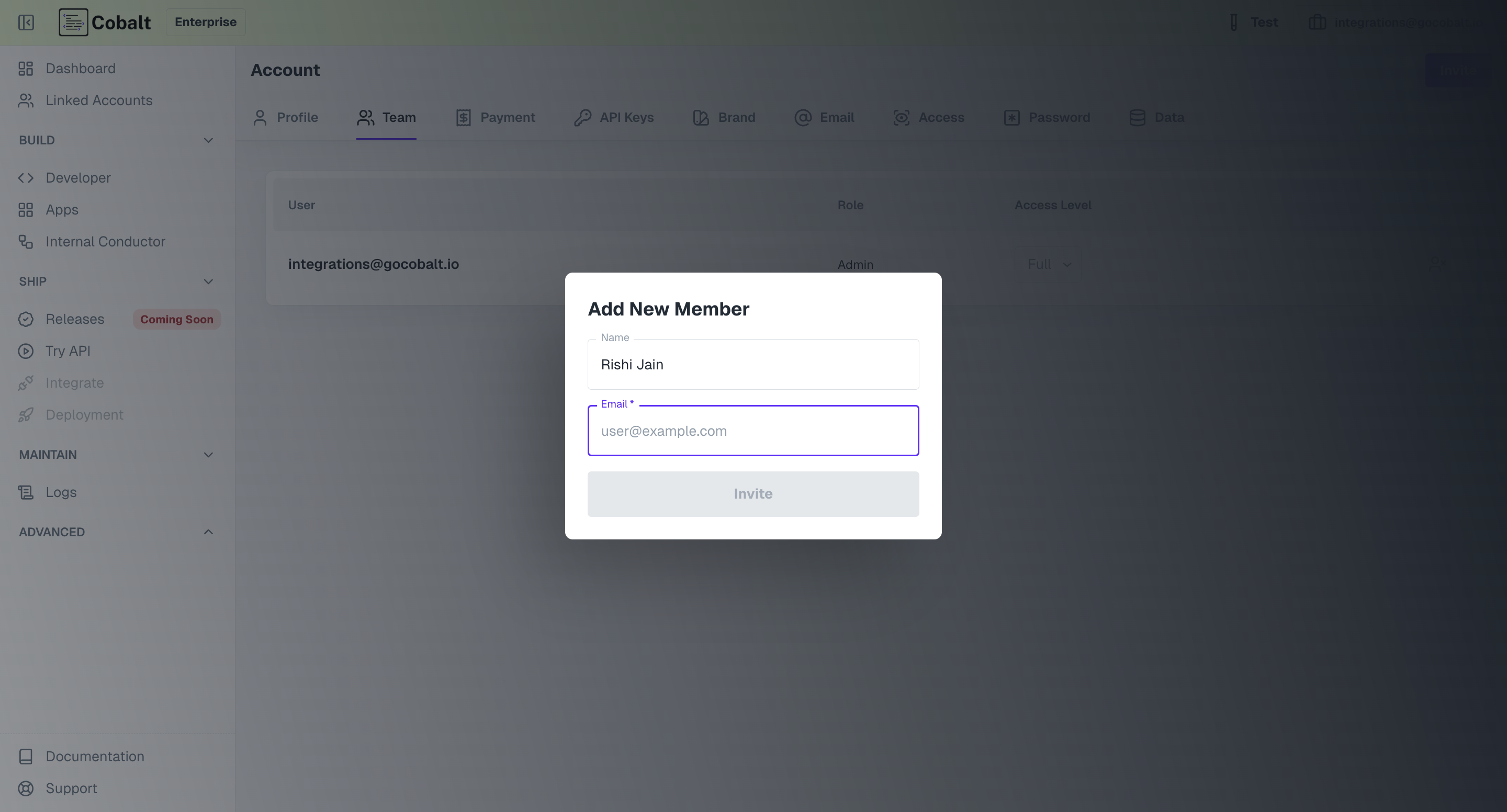
- Once the invitation is sent, the new user will receive an email containing login credentials and instructions for accessing the Refold platform.
- Subsequently, the new user will be added to the members list in the Team section with the role of Editor.
Removing Members
Administrators have the authority to remove existing members from the team as needed. This can be done by clicking on the Bin icon next to the respective team member’s entry in the members list.