

Account Management in Refold provides users with a robust suite of tools and functionalities to effectively administer, customize, and optimize their Refold accounts. With six distinct sections catering to various aspects of account customization, access control, and branding, users have the flexibility and control to tailor their Refold experience to align with their organizational needs and objectives. User can navigate to Account Management by clicking on the User Profile in the bottom left corner and selectingDocumentation Index
Fetch the complete documentation index at: https://docs.refold.ai/llms.txt
Use this file to discover all available pages before exploring further.
Account from the options.
Profile
The Profile section allows users to view and manage their personal details, such as name and email. Additionally, users can access information about the organization they are associated with on the Refold platform, including the organization’s name, email, website, and icon URL.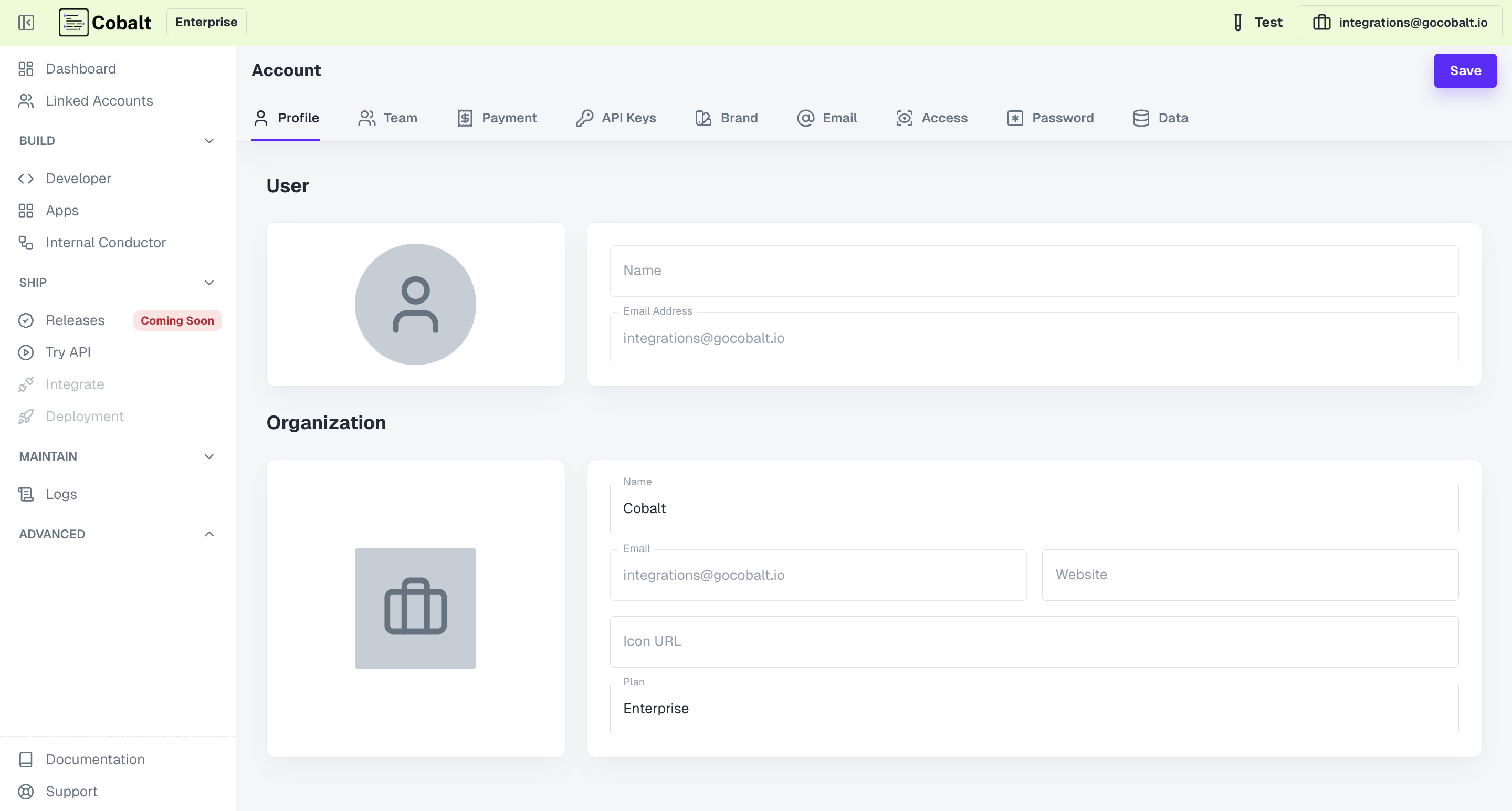
Team
In the Team section, users can explore the members of their account’s team, along with their respective roles. Users have the ability to invite new members to the account by providing their name and email. Furthermore, users can remove existing members from the team as needed.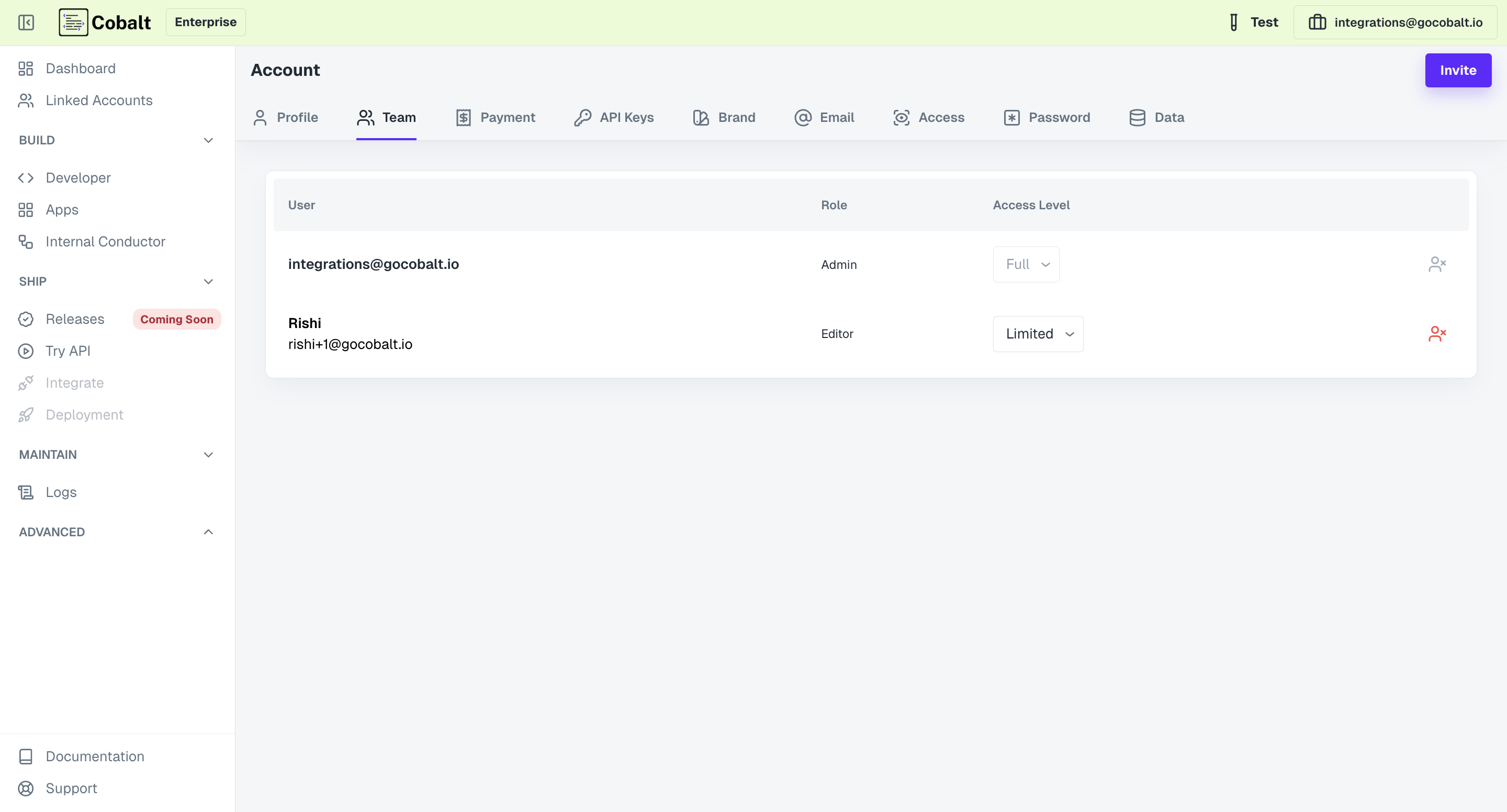
API Keys
The API Keys section provides users with access to their Refold Production and Test API keys, which are essential for utilizing Refold APIs. Users also have the option to reset their API keys for enhanced security and access control.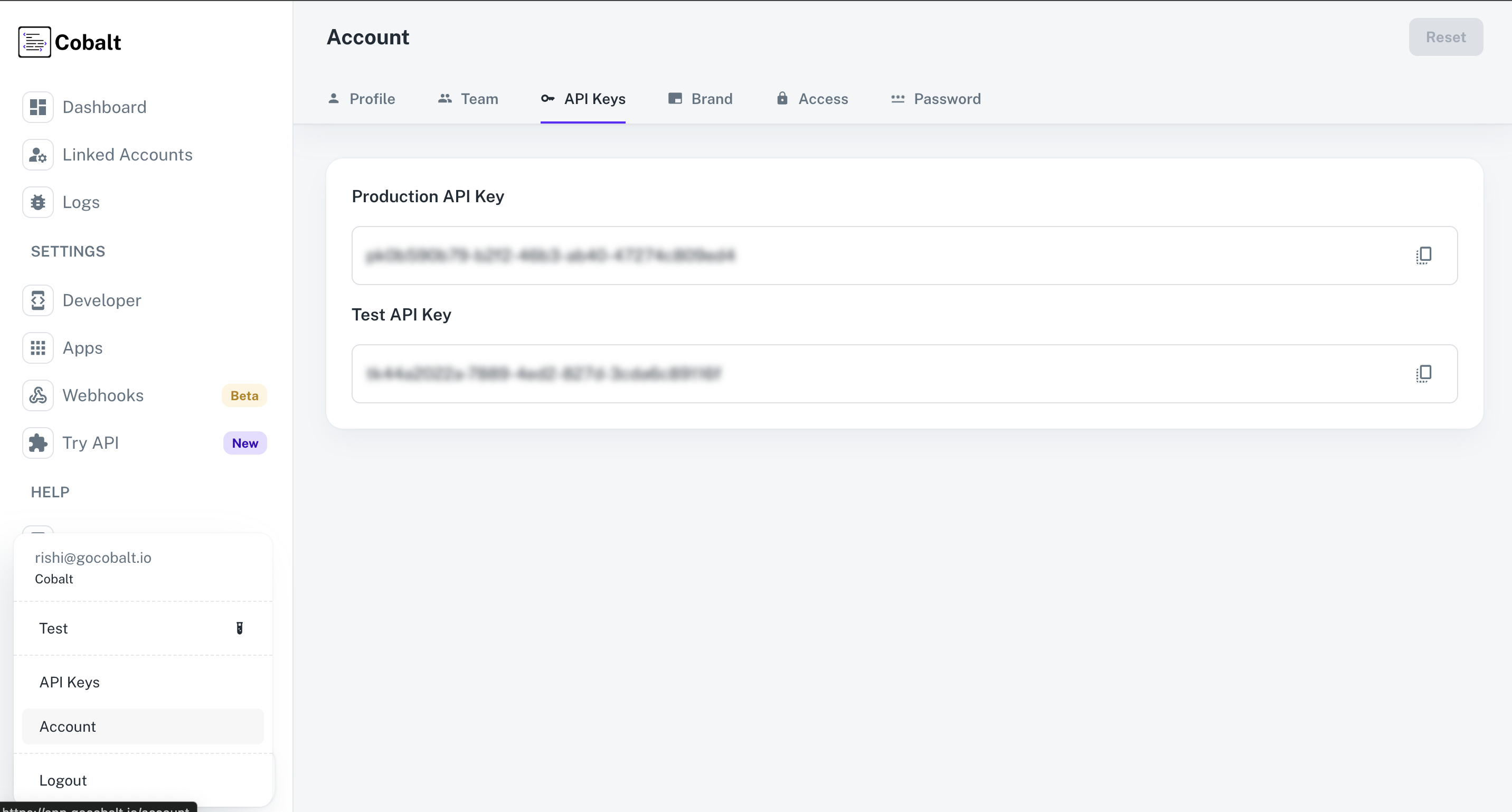
Brand
From the Brand section, users can customize the primary and button colors of their brand, ensuring consistent branding across Linked Accounts’ UI. Additionally, users can set their privacy policy and terms of use for customers, as well as configure the App Redirection URL for a seamless customer experience post-completion of account linking.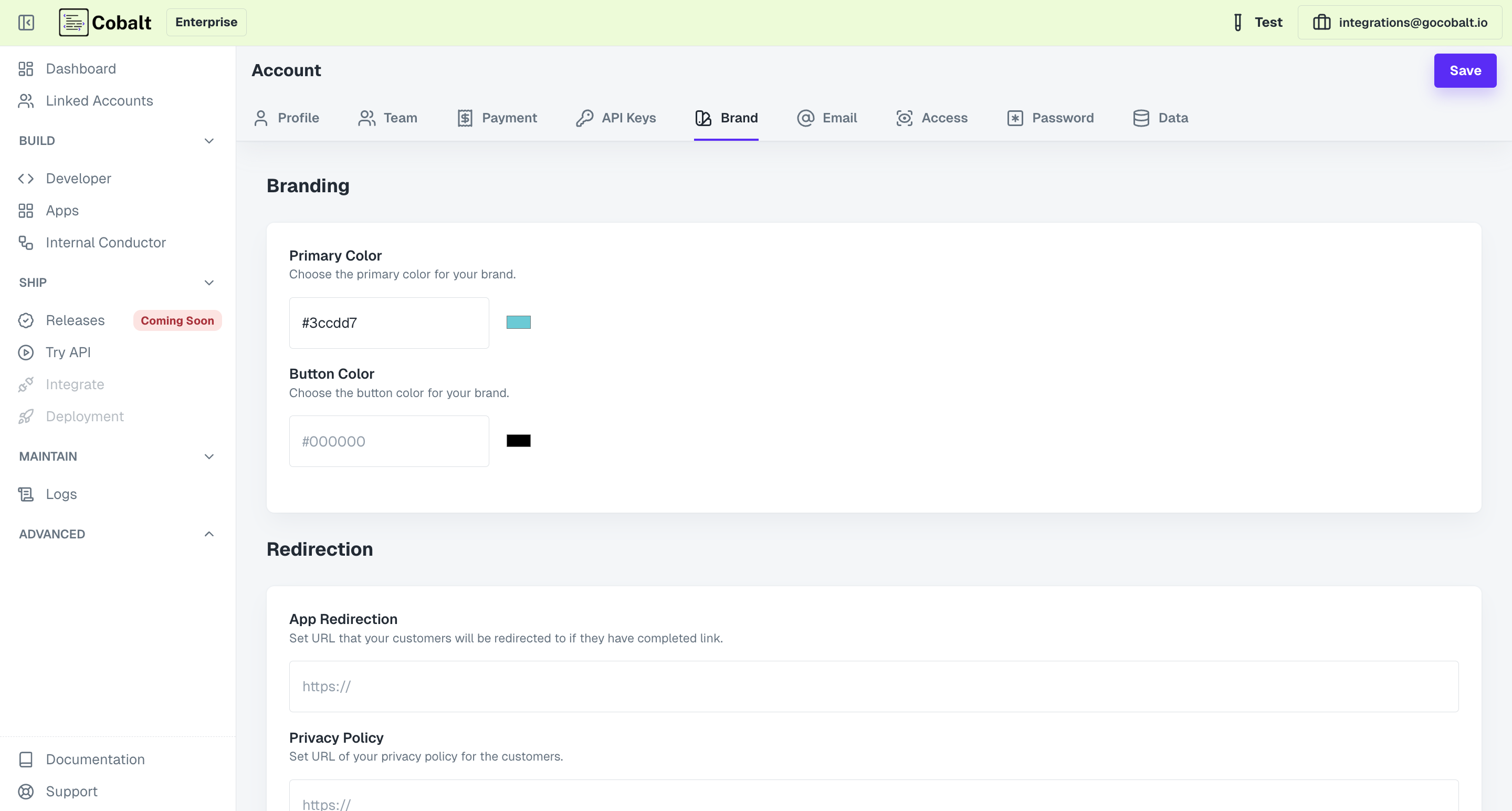
Access
In the Access section, users can manage access permissions for Refold team members, allowing them to make changes to the account as required. This feature ensures collaborative account management and workflow optimization.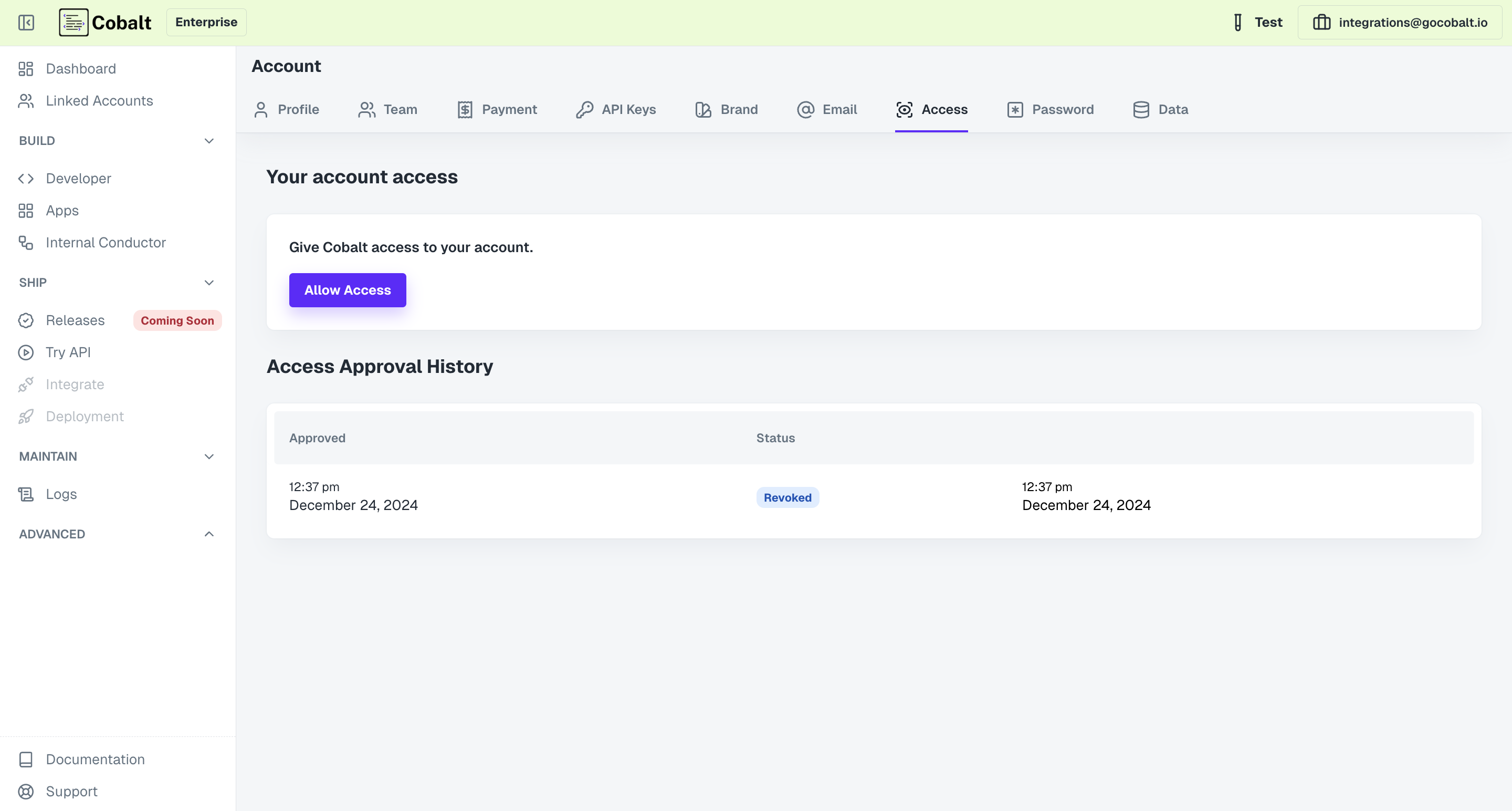
Password
This section enables users to easily reset and set new passwords for their accounts, ensuring security and access control.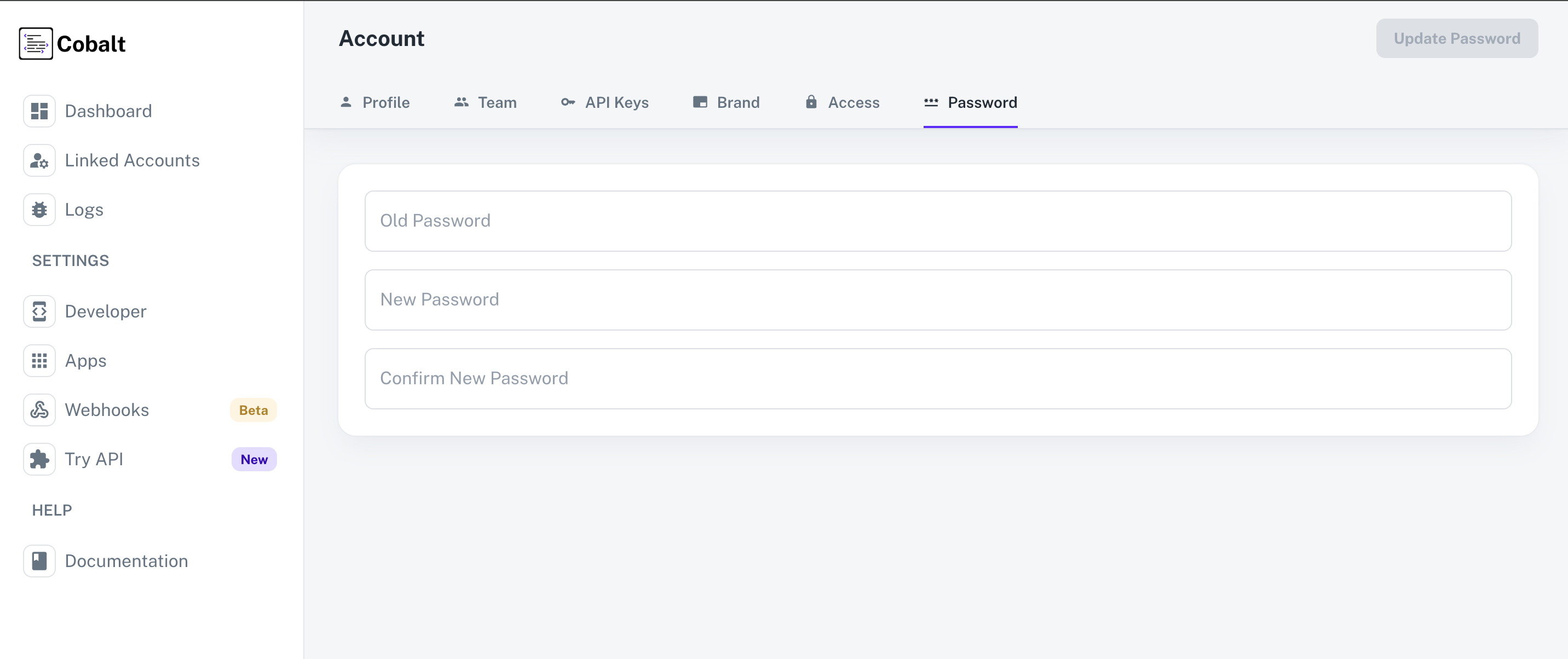 With these comprehensive account management capabilities, users can tailor their Refold experience to align with their organizational needs and enhance overall efficiency. In the subsequent sections, we will delve deeper into few aspects of Account Management, providing detailed instructions and insights for effective utilization.