

Ecosystem under Advanced in the dashboard.
Add app to Ecosystem
To add any integration to your Ecosystem, navigate to that app in Cobalt and click on theAdd to Ecosystem button.
Add to Ecosystem button will not be available if the app has already been enabled.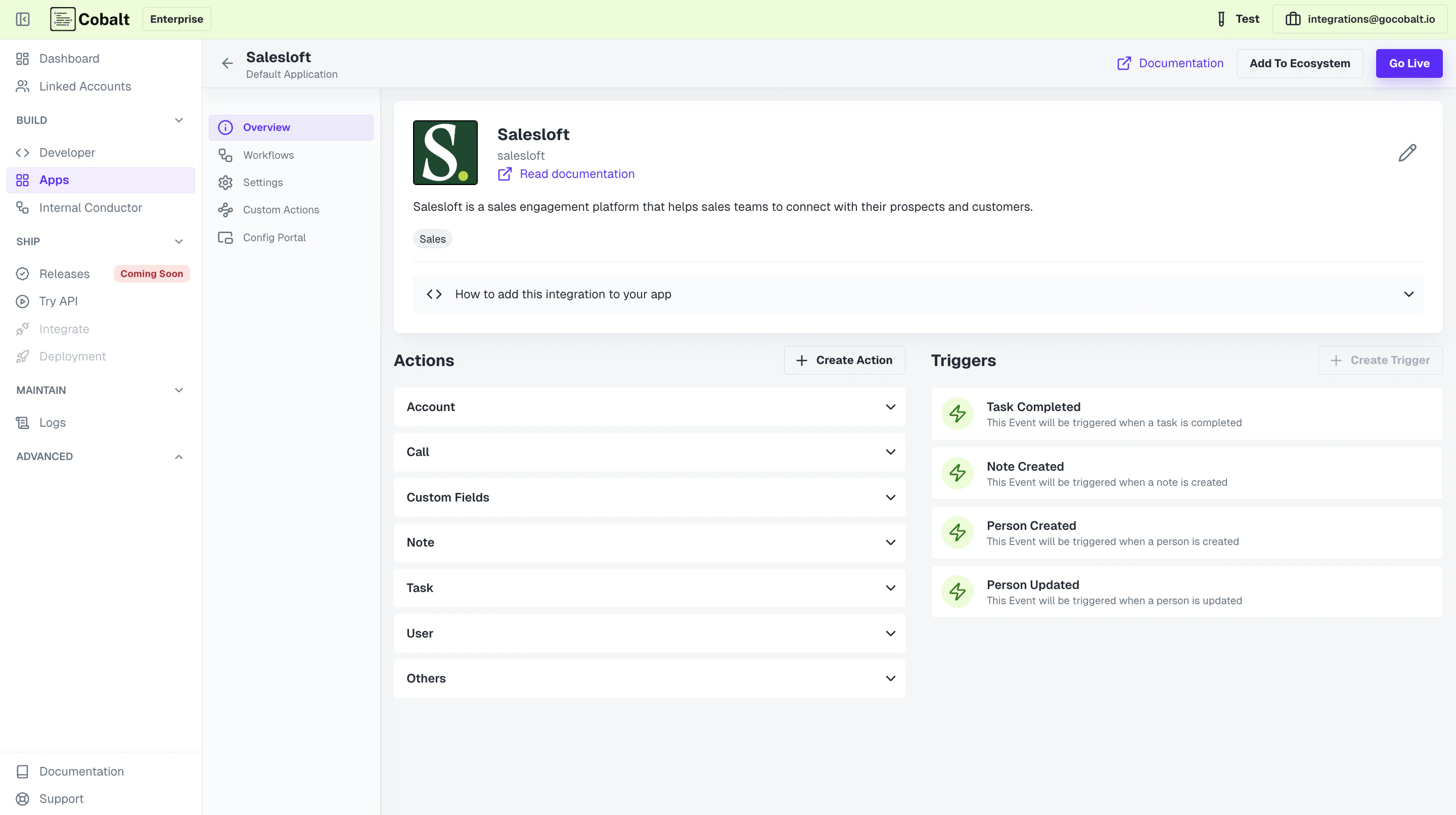
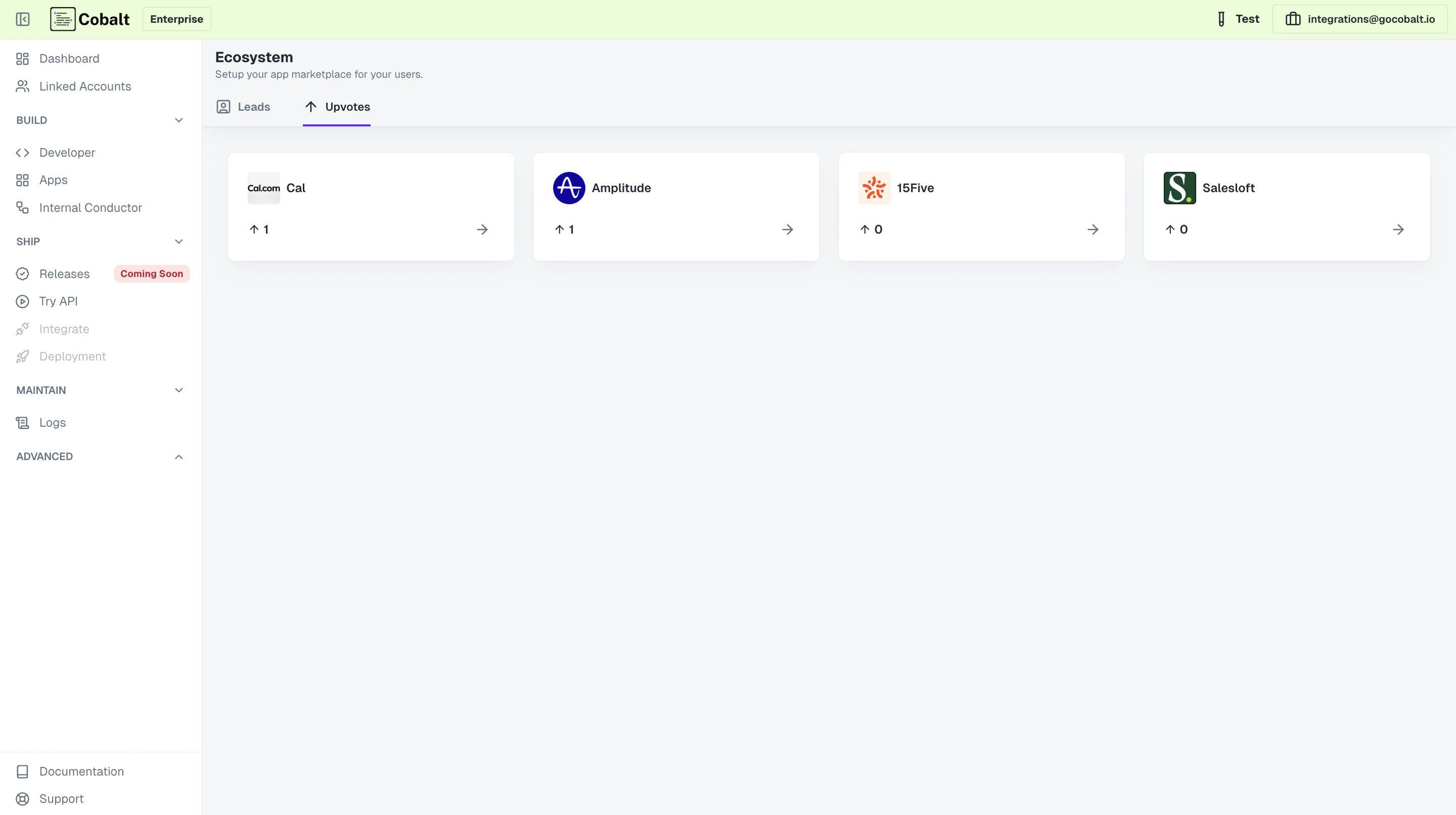
Upvotes tab in the Ecosystem with the number of upvotes or request the app has received from linked accounts.
Requesting access to integrations
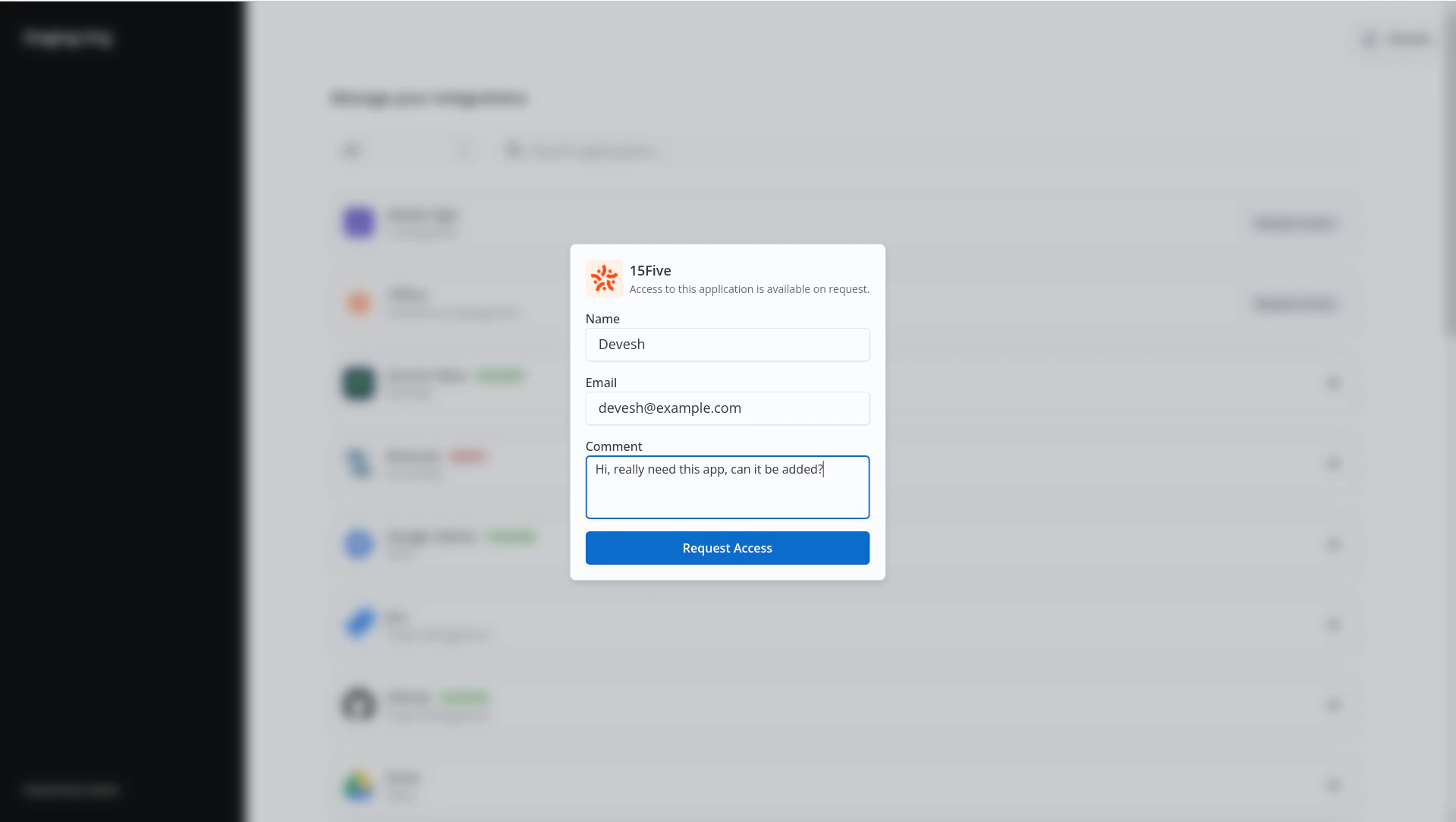
The integrations that you add to Ecosystem will be visible to the Linked Accounts with theRequest Access button in the Hosted Portal. When the user clicks on the button, a form will open up asking for basic details about the request.
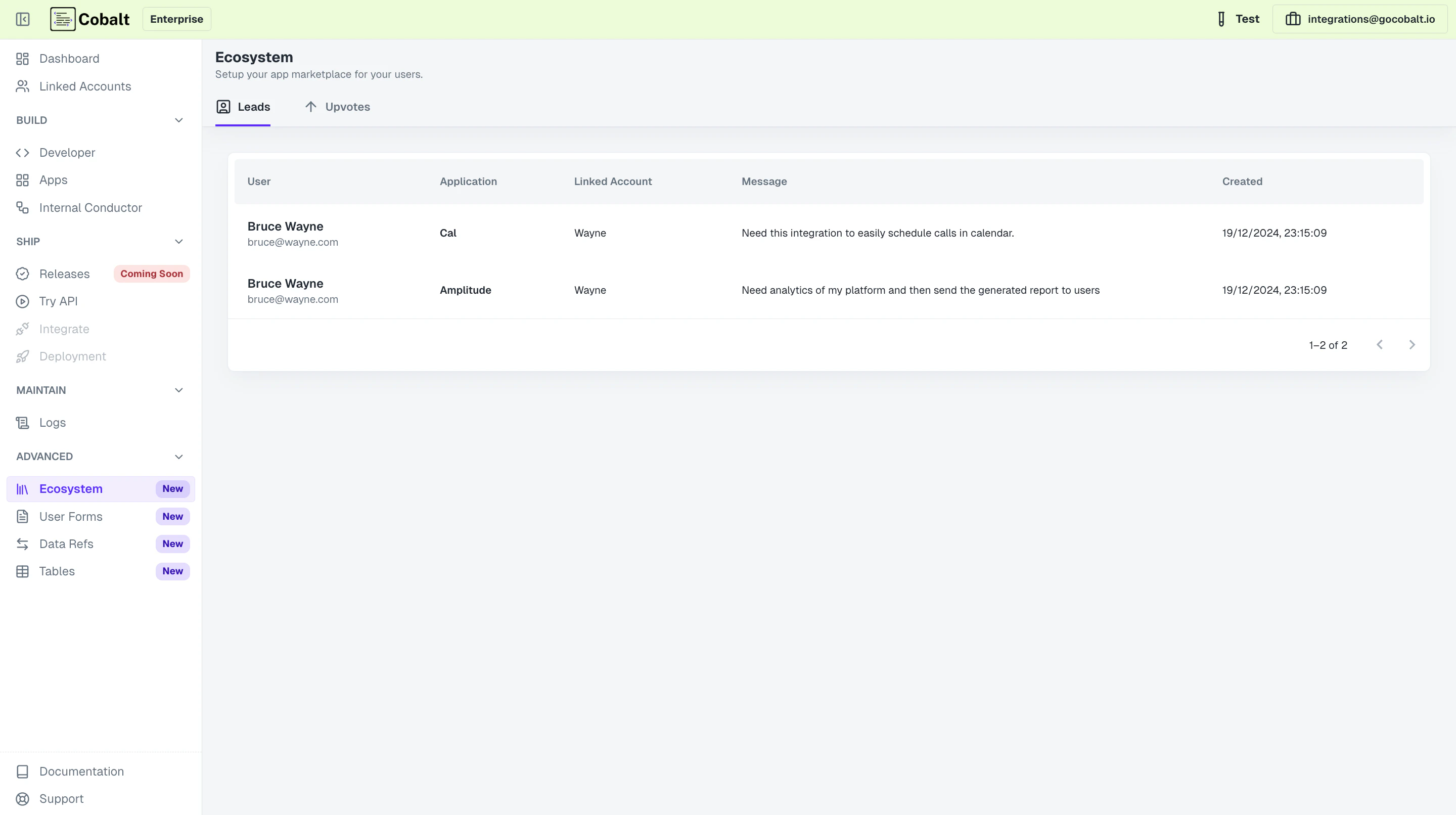
Leads tab in the Ecosystem.
You have successfully setup an Ecosystem of integrations for your users.