

Twilio is an API Key based integration and does not require the setup of an app.
Required Credentials of a Linked Account
To successfully connect with the Twilio integration, a Linked Account or an end-user will need to provide the following to connect:- Auth Token
- Account SID
To understand how a Linked Account can get the above mentioned credentials, refer below.
Getting Credentials of Trello
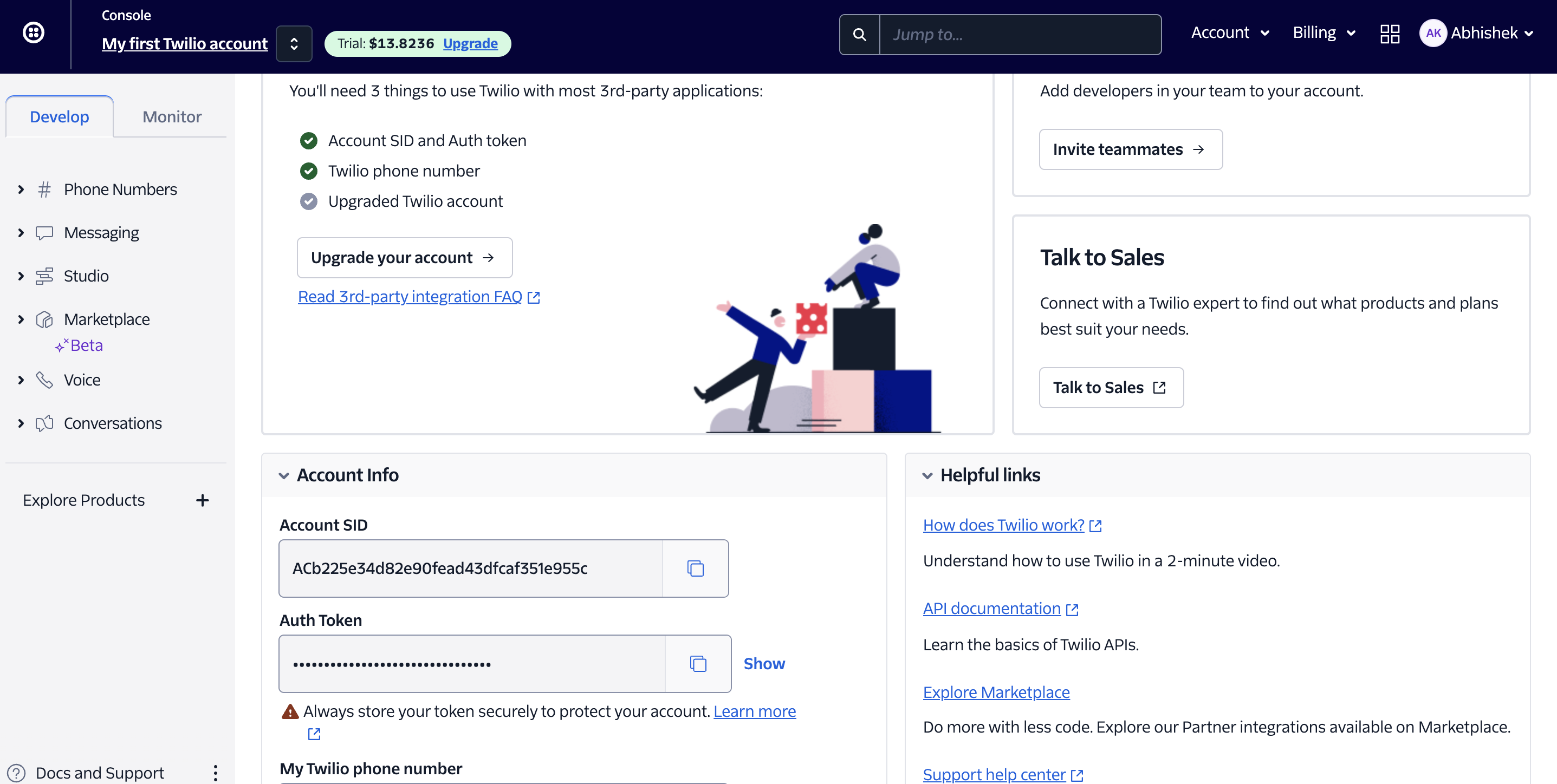
To acquire the required credentials and connect a Linked Account, please follow the steps mentioned below: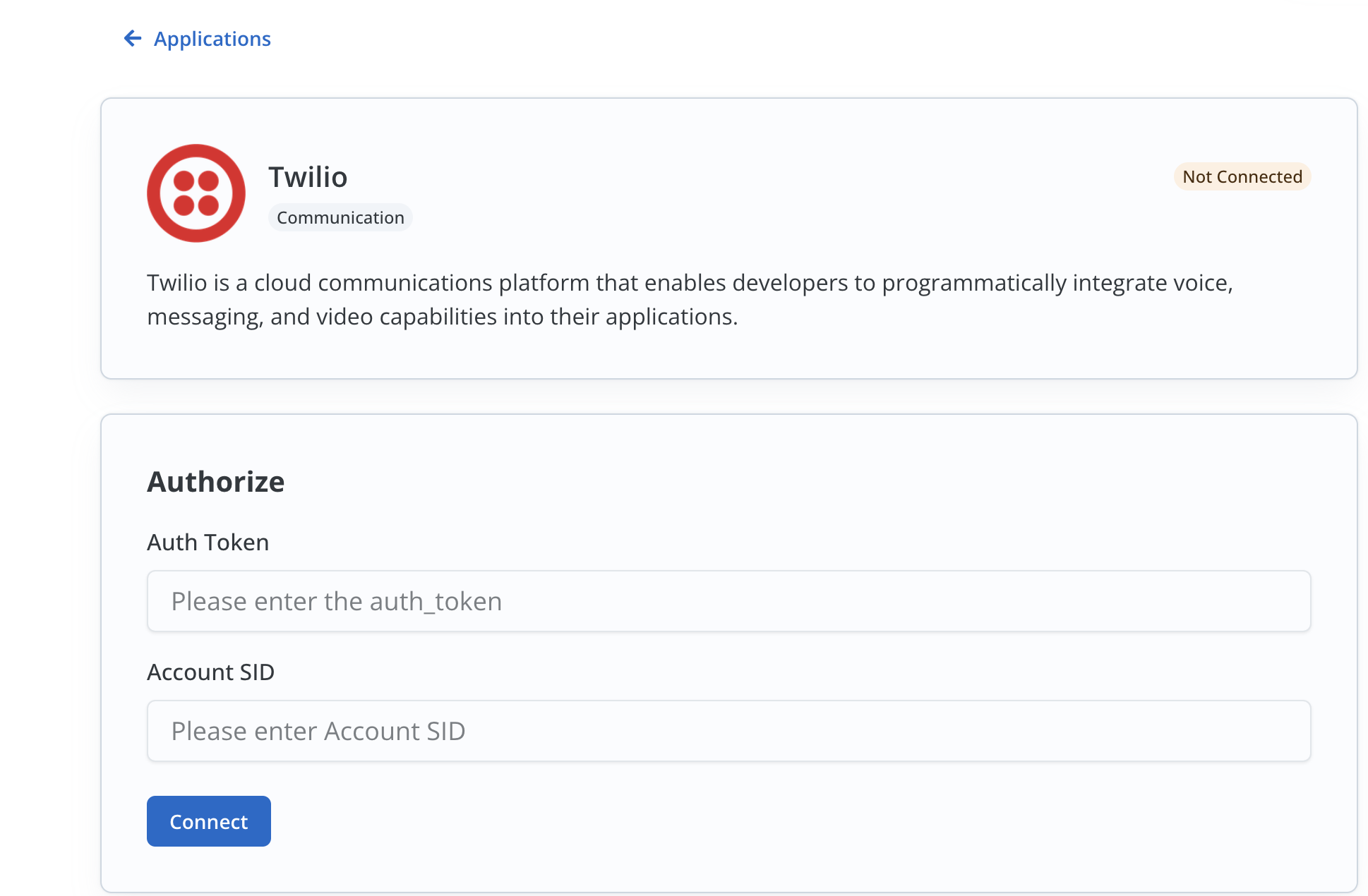
- Log in to your Twilio account.
- In the home page, complete the first step to enable your
Account SIDandAuth token. - Under
Account Info, you will find theAccount SIDand theAuth Token.
Actions and triggers
In Cobalt, you can create orchestrations of your use-cases using Twilio actions and triggers. Following are the set of Twilio actions and triggers supported by Cobalt.- Actions
- Triggers
Messages
Messages
- Create Message - Create a new message in Twilio.
- Get Message by ID - Get a message by ID in Twilio.
- List Messages - List all messages in Twilio.
- Update Message - Update a message in Twilio.
- Delete Message - Delete a message in Twilio.
Calls
Calls
- Create Call - Create a call in Twilio.
- List calls - List all calls in Twilio.
- Get Call by ID - Get a call by ID in Twilio.
Others
Others
- HTTP Request - Make HTTP API calls to any Twilio documented REST APIs.