

AWS Security Hub is an API Key based integration and does not require the setup of an app.
Required Credentials of a Linked Account
To successfully connect with the AWS Security Hub integration, a Linked Account or an end-user will need to provide the following to connect:- Access Key ID
- Secret access key
- Region
To understand how a Linked Account can get the above mentioned credentials, refer below.
Getting Credentials of AWS Security Hub
To acquire the required credentials and connect a Linked Account, please follow the steps mentioned below: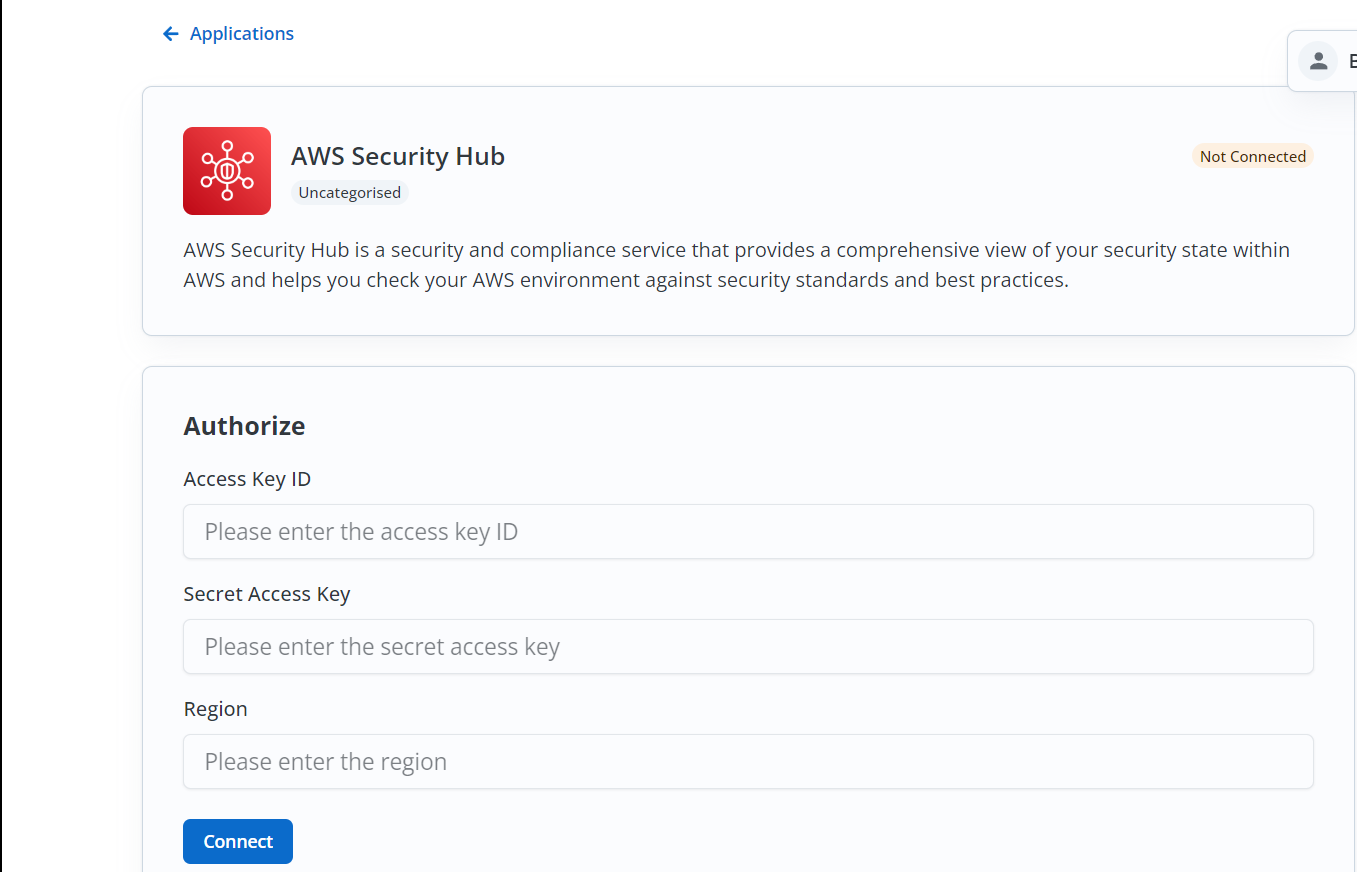
- Log in to your AWS account with SecurityHub permissions and copy the
Regionfrom the URL present before .console. - Click on your Profile in the top right corner and click on
Security Credentials.
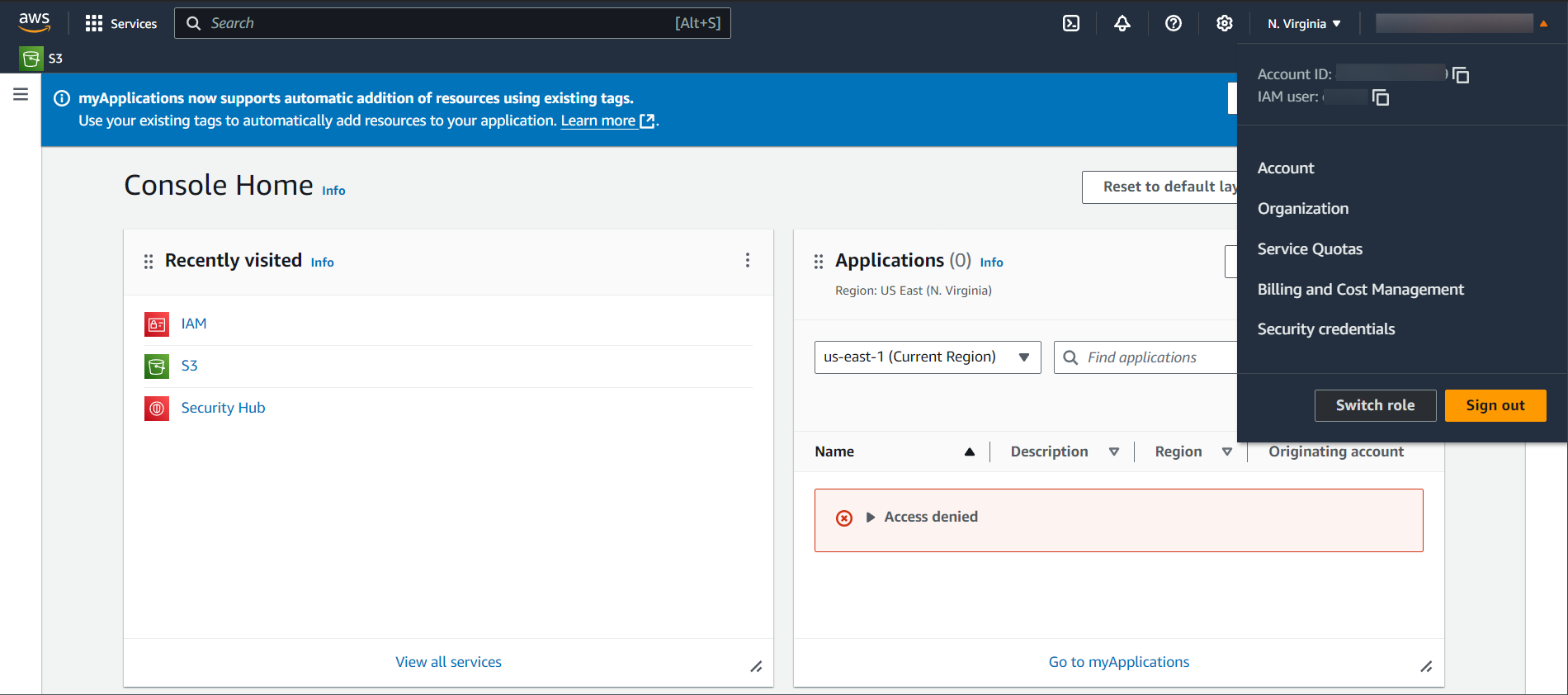
- Scroll down to the Access Keys section and click on
Create access key.
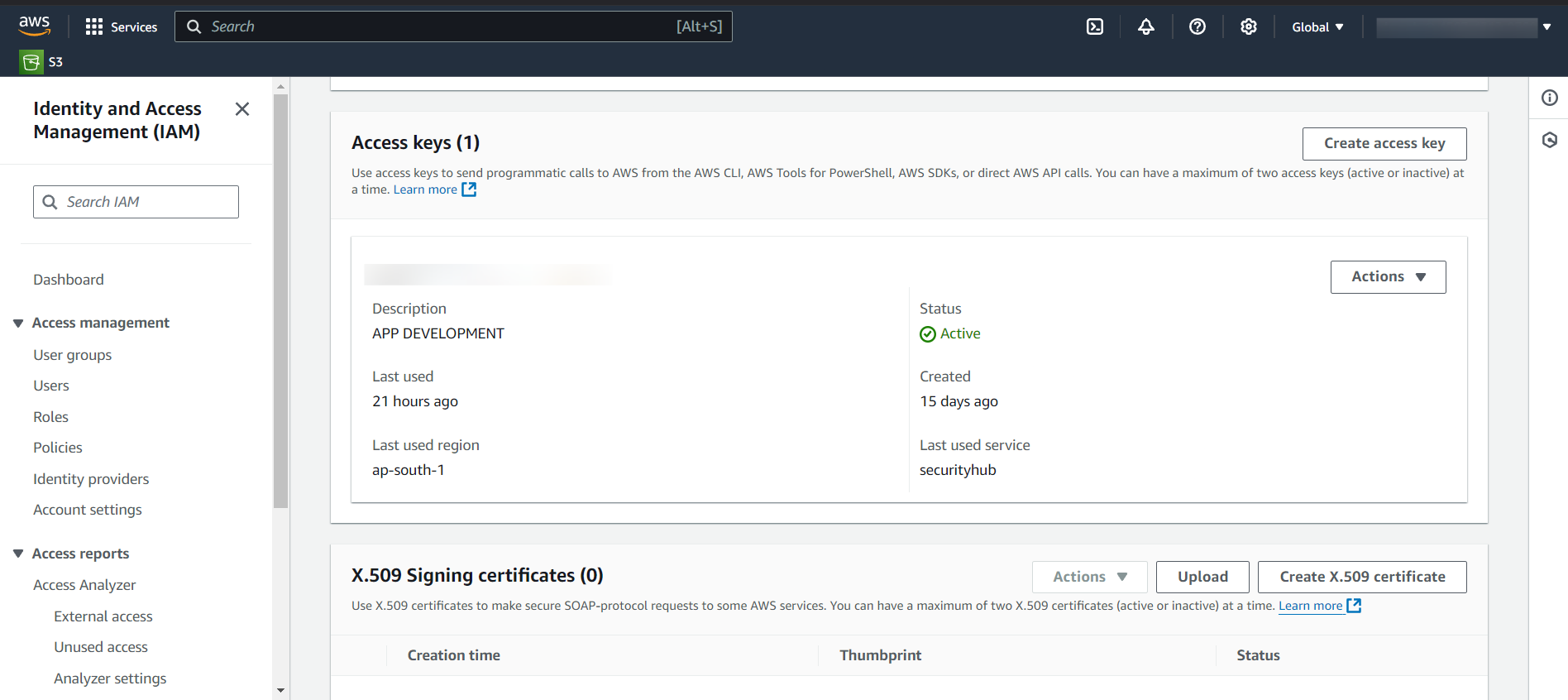
- Select a Use case > Click on
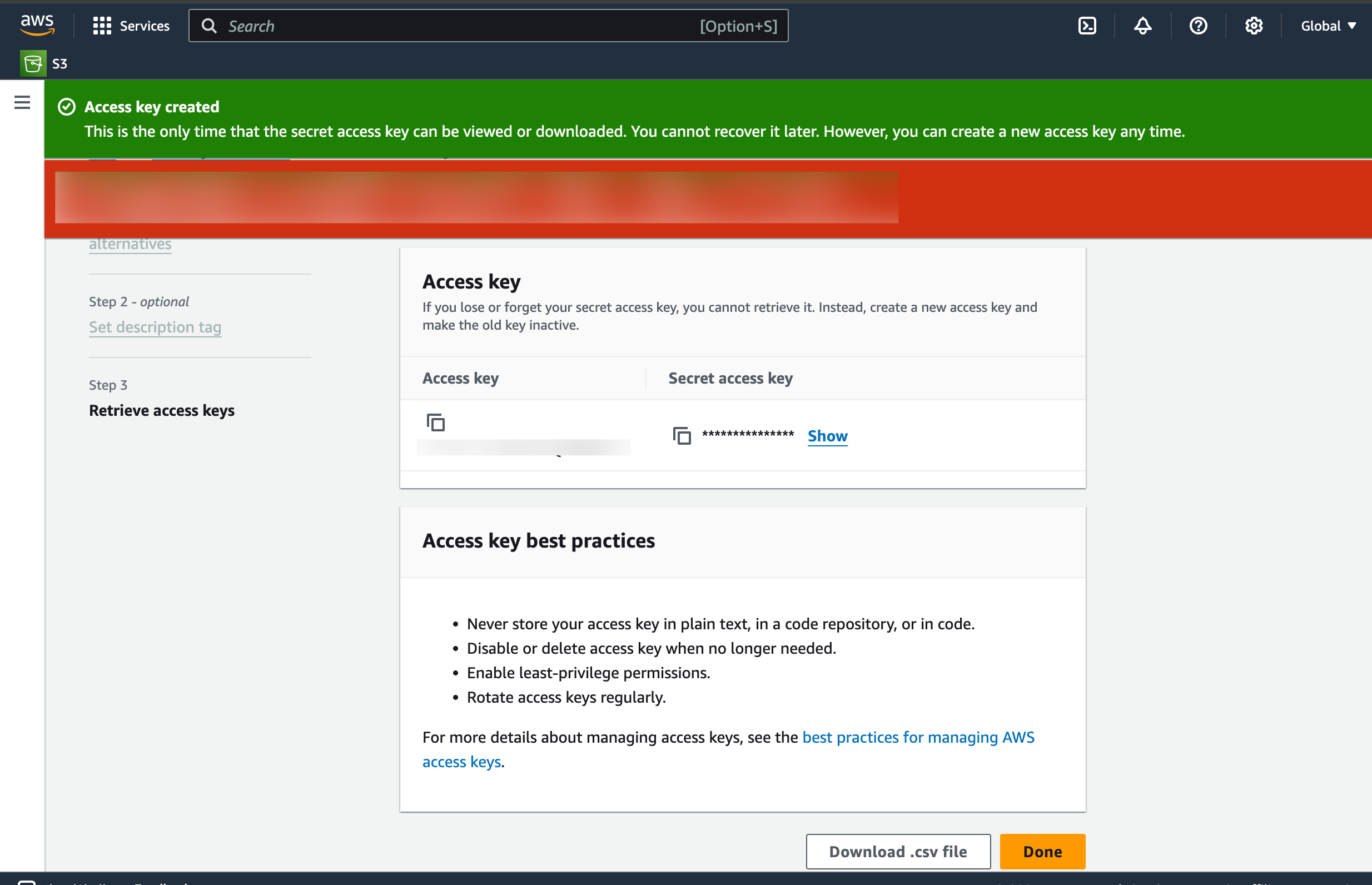
Nextand provide a name for the key underDescription tag valueand click onCreate access key. - Copy the
Access KeyandSecret access keydisplayed on the screen.
Actions and triggers
In Cobalt, you can create orchestrations of your use-cases using AWS Security Hub actions and triggers. Following are the set of AWS Security Hub actions and triggers supported by Cobalt.- Actions
- Triggers
Insights
Insights
- List Insights - List all insights for specified ARNs in AWS Security Hub.
- Update Insight - Updates Insight identified by specified ARN in AWS Security Hub.
Members
Members
- List Members - Lists details about all member accounts in AWS Security Hub.
- List Members By Ids - List Members By Account Ids in AWS Security Hub.
- Invite Members By Ids - Invite Members By Account Ids in AWS Security Hub.
- Delete Members By Ids - Delete Members By Account Ids in AWS Security Hub.
Policies
Policies
- List Configuration Policies - List all the configuration policies in AWS Security Hub.
Others
Others
- HTTP Request - Make HTTP API calls to any AWS Security Hub documented REST APIs.